
Infinite AeroshowEconomy
- Monthly
- $1.95
- Yearly
- $16.2031% off
- 3D moving map, ad-free, unlimited use
- Track my flight and Explore
- Map layers, airport cards and flight info
- Boarding pass for your flight
Seat58K
See EconomyFrom the cabin
Your simulator shows the flight from the flight deck. Infinite Aeroshow shows it from the cabin: the moving map passengers watch on long flights, a window seat in First Class and the seatbelt sign overhead. It runs in a browser beside your sim, for Infinite Flight and VATSIM flights.
100h First Class free · No card needed · No install · Sign in with Google
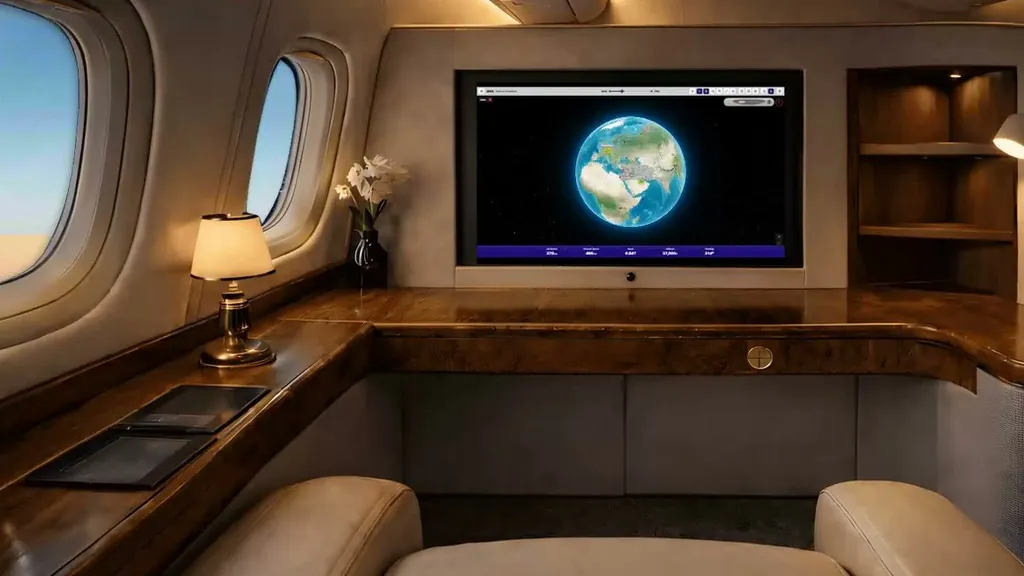
Boarding
The passenger view follows a live flight on Infinite Flight or VATSIM: your own, or anyone else's on the same network.
Join an Infinite Flight live server, or connect your simulator to VATSIM.
Sign in with Google on a second screen and search the callsign in Track my flight.
Turn on Auto Play, or in First Class pick the seat, cockpit or wing view yourself.
Nothing is installed in your simulator. Infinite Aeroshow builds the cabin view from the flight's live network data.
On an airliner, the moving map cycles through a few familiar pages: the whole route on a globe, a closer map around the aircraft and pages of flight information. Infinite Aeroshow follows the same pattern for a live flight:
Economy brings the flight information pages passengers like to watch: local time at the destination, a "Now over" line naming the country or sea below, a timeline of the flight and arrival times at the waypoints ahead. Turn on Auto Play and the screen moves between these pages by itself, the way a cabin screen does on a long flight.
First Class lets you pick the passenger's view, or the pilot's, yourself:
In Economy these views come up on their own during Auto Play, but you can't pick them.
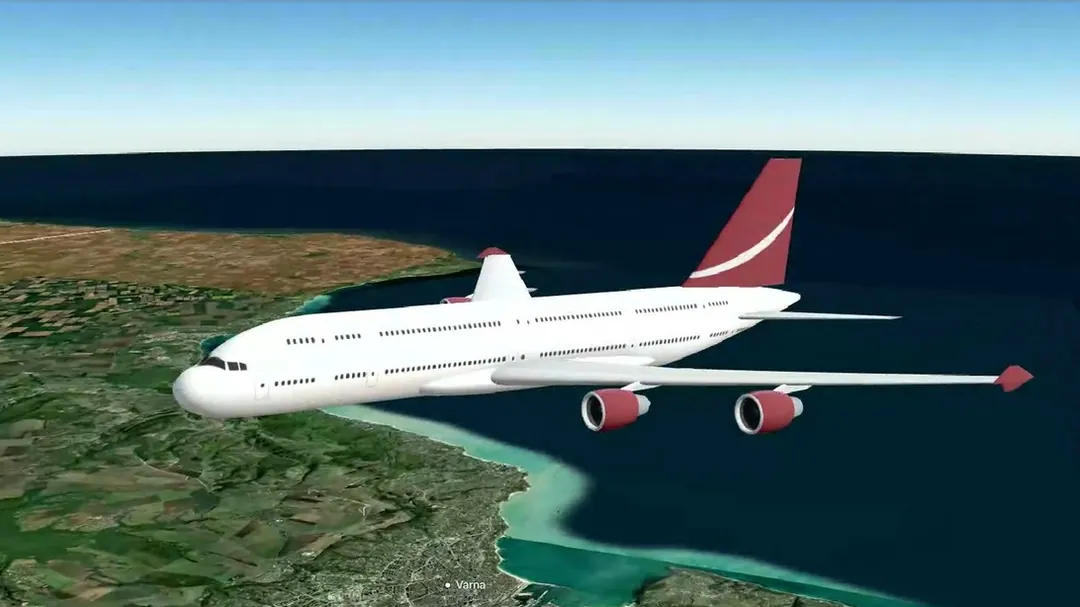 First Class
Your aircraft type, modelled in 3D.
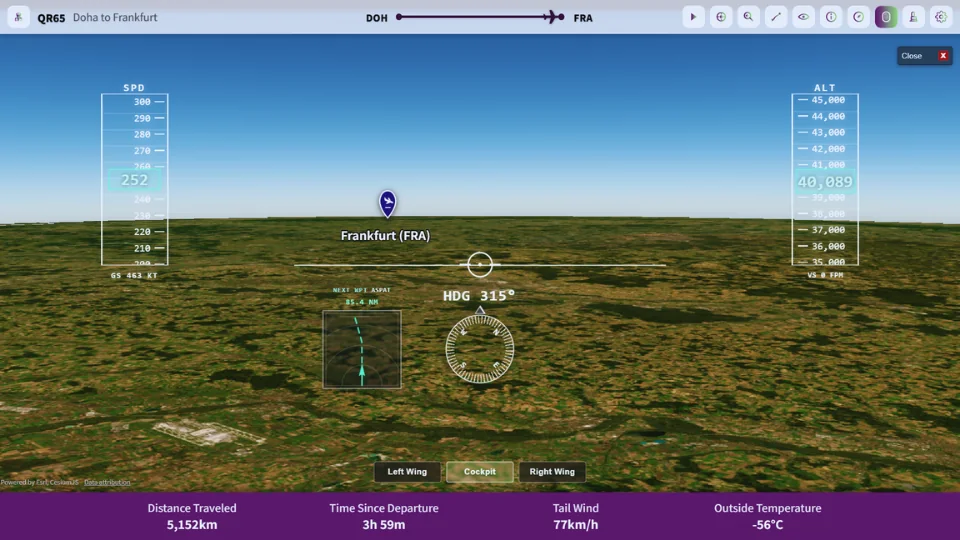 First Class
The same flight from the front seat.
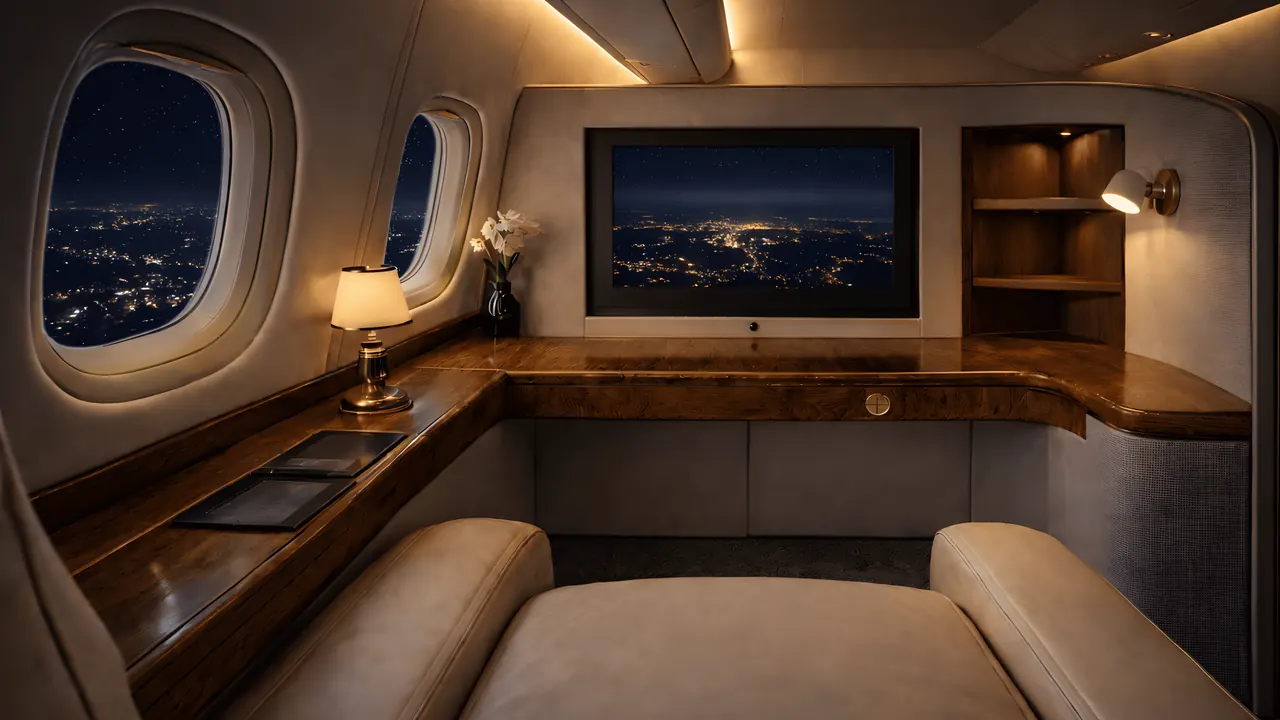 First Class
City lights below the window.
Cabin · First Class
Switch the seatbelt sign, call bell and lavatory light yourself, with chimes, cabin sound and inflight music when you want them. Tap the signs to try.
A passenger view works best on its own screen: a tablet in a stand, a laptop, or a TV across the room, while the simulator keeps the main monitor. Go full screen, turn on Auto Play and let the seat view's windows follow the time of day along the route. The iPad, Android and TV setup guide covers each kind of screen.
Long flights are where it comes into its own. Start it at cruise, check the time to destination on the flight information pages, and switch the seatbelt sign on for the descent. If friends want to ride along, open boarding with Invite and send them a share link; they watch in their own browser without signing in.
Infinite Aeroshow isn't a camera inside your simulator, and it doesn't change your simulator's views. It's a separate screen built from the live network data of an Infinite Flight or VATSIM flight, so it works while that flight is connected to one of those networks. The seat and cockpit views are rendered scenes driven by that data, not a video feed from the pilot's simulator.
Plans
Every account starts with 100 hours of First Class, counted from the moment you turn it on. No card needed. Prices are in USD; VAT is added at checkout where it applies.
Seat58K
See EconomyOr $99.95 once, for life
Cancel future renewals anytime; access stays until the end of the billing period. Compare every feature
FAQ
No. Infinite Aeroshow runs in a browser on a separate screen and builds the cabin view from live Infinite Flight or VATSIM network data. Nothing changes inside your simulator.
All of them. Every account starts with 100 hours of First Class for free, counted from when you turn it on, with no card needed.
Economy has the moving map and every flight information page, and the views appear on their own during Auto Play. First Class lets you pick the seat, cockpit, wing, surround and tower views yourself, and adds 3D aircraft models, replay, the cabin panel with sounds, personalization and two devices at once.
Yes. The windows switch between day and night with the local time where the aircraft is flying.
Yes. Open boarding with Invite and send them the link. Guests watch your flight in their own browser without signing in.
No. Infinite Aeroshow is an independent service by SFN Luca Co., Ltd. and is not affiliated with Infinite Flight LLC or VATSIM.
Departures
| Flight | Destination | Status |
|---|---|---|
| IA 101 | Infinite Flight live tracker | On time |
| IA 202 | VATSIM live tracker | On time |
| IA 303 | Flight sim tracker | On time |
| IA 808 | MSFS and X-Plane moving map | On time |
| IA 909 | Share your flight live | On time |
| IA 110 | iPad, Android and TV setup | On time |
| IA 220 | Flight sim passenger view | Now boarding |